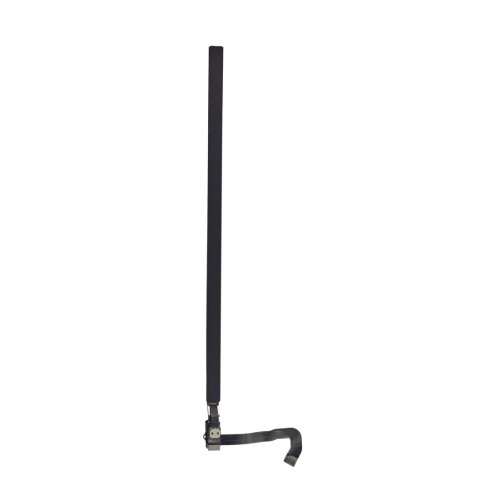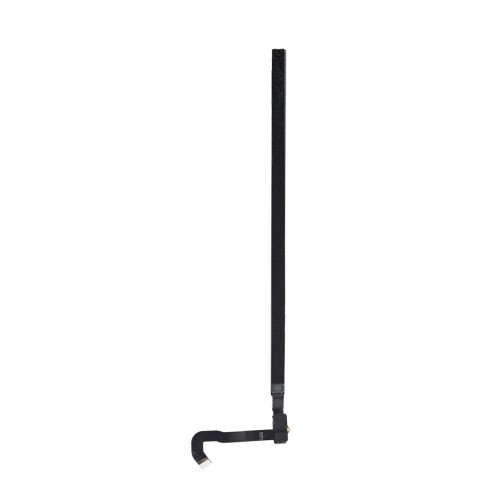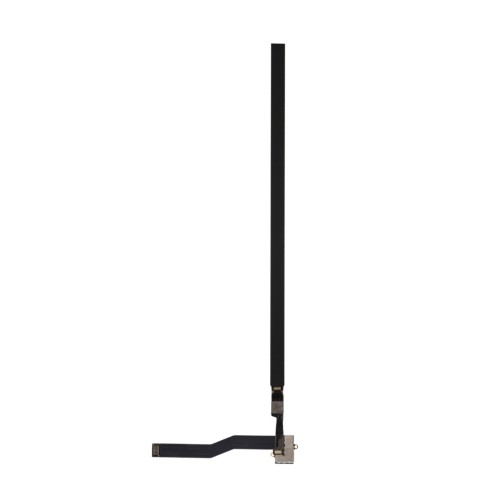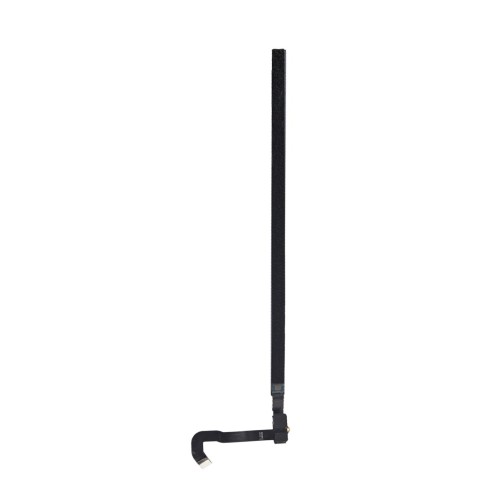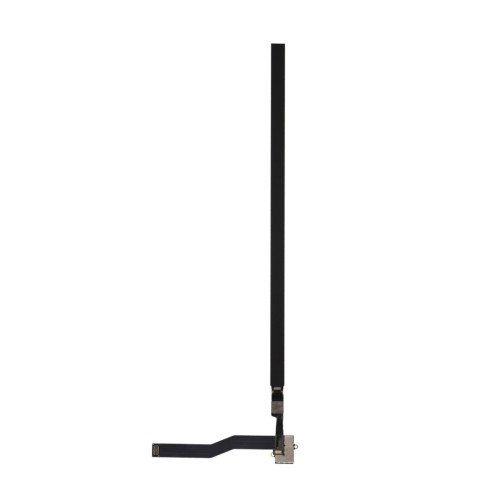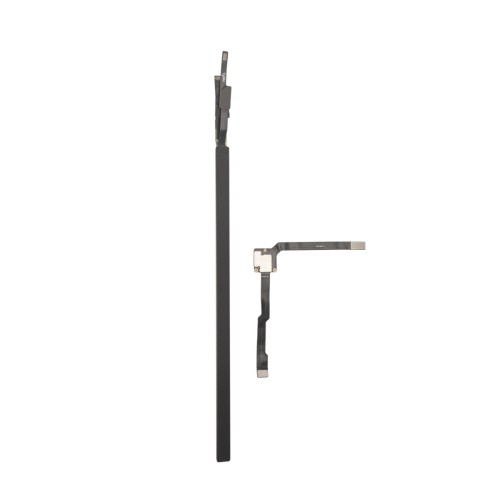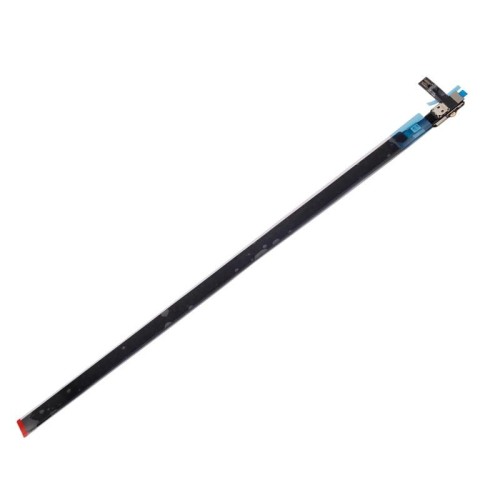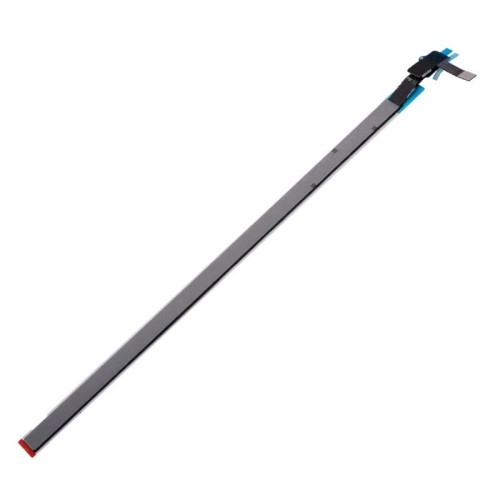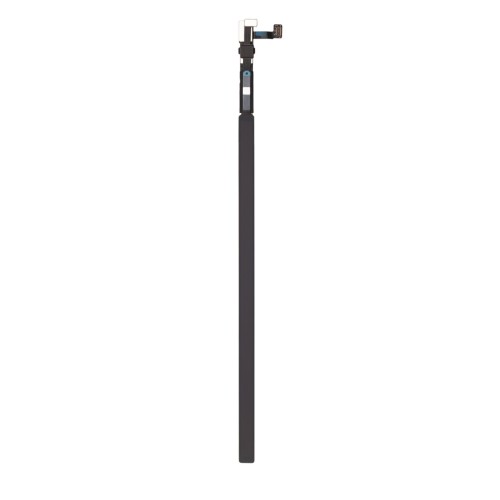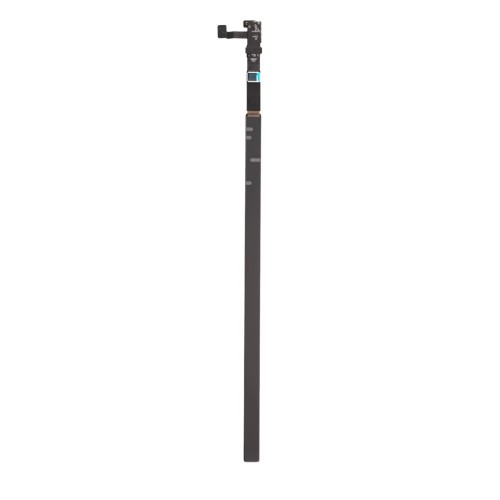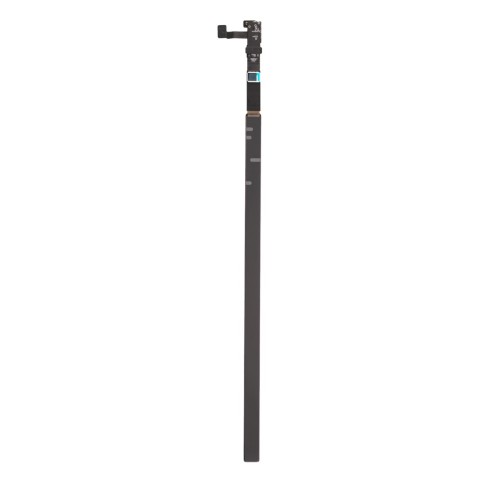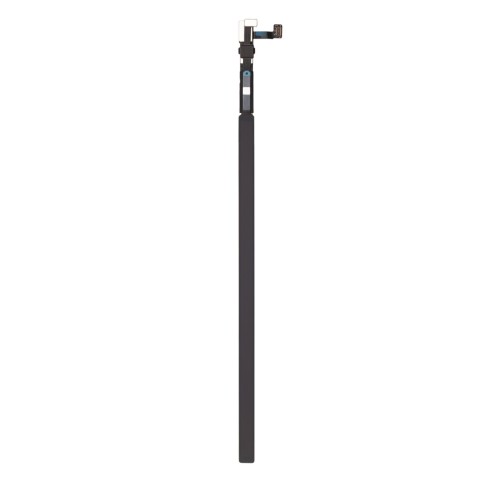


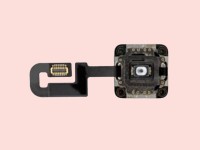
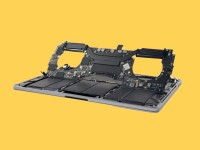





























Touchbar
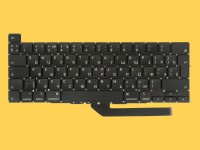
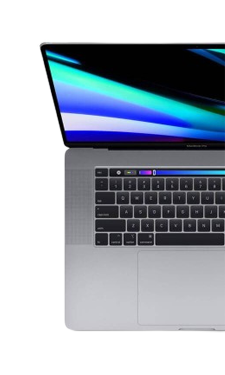
Apple'ın MacBook Pro modellerinde klavyenin en üst kısmına konumlandırdığı Touch Bar, geleneksel statik fonksiyon tuşlarının yerini alan ve tamamen o an yaptığınız işe göre dinamik olarak değişen yenilikçi bir dokunmatik kontrol panelidir. Sadece estetik bir donanım detayı olmanın ötesinde, kullanıcı deneyimini zenginleştiren ve günlük iş akışınızı hızlandıran akıllı bir yardımcıdır.
•Touch Bar'ın Kullanımınızı Kolaylaştıran Temel İşlevleri
Dinamik Uygulama Kısayolları ile Kesintisiz İş Akışı: Touch Bar'ın en büyük avantajı, ekranda aktif olan uygulamaya göre anında adapte olabilmesidir. Safari'de internette gezinirken açık olan sekmelerinizi küçük önizlemeler halinde göstererek aralarında hızlıca geçiş yapmanızı sağlar. Profesyonel çalışmalarda, örneğin fotoğraf düzenlerken renk paletlerine, parlaklık ayarlarına veya fırça boyutlarına tek dokunuşla ulaşmanızı kolaylaştırır. Bir video izlerken veya kurgularken ise hassas bir ilerleme çubuğuna dönüşerek medya üzerinde tam kontrol elde etmenize olanak tanır.
•Control Strip (Hızlı Ayarlar) ile Sisteme Tam Hakimiyet: Klasik donanım tuşlarının sunduğu temel sistem kontrolleri, Touch Bar'ın sağ tarafında yer alan ve her zaman erişilebilir olan Control Strip (Kontrol Şeridi) bölümünde toplanmıştır. Ekran parlaklığını ayarlamak, medya ses seviyesini değiştirmek veya Siri'yi tek dokunuşla aktif hale getirmek bu bölüm sayesinde son derece pratiktir. Üstelik bu alanı kendi kullanım alışkanlıklarınıza göre özelleştirerek en sık ihtiyaç duyduğunuz ayarlara saniyeler içinde ulaşabilirsiniz.
•Akıllı Metin Önerileri ve Hızlı Emoji Erişimi: Yazı yazma deneyimini akıllı telefonlardaki pratiklikle buluşturan Touch Bar, siz klavyede metin girerken cümlenin gidişatına uygun kelimeleri tahmin ederek size hızlı öneriler sunar. Bu akıllı metin tamamlama özelliği, uzun makaleler veya mailler yazarken hızınıza hız katar. Ek olarak, devasa emoji kütüphanesini doğrudan parmak uçlarınıza getirerek, kategoriler arasında gezinip dilediğiniz emojiyi tek dokunuşla metninize eklemenize imkan tanır.
Özetle Touch Bar, bilgisayarınızla olan etkileşiminizi klavyeye bakmadan, sezgisel ve çok daha verimli bir hale getiren güçlü bir donanım özelliğidir.